
1 Month
$14.99
Try it out
- 1 connection
- Live TV, movies & series
- FHD & 4K where available
- EPG guide & catch-up
- All devices supported
- WhatsApp support
Setup guide
Most Samsung and LG Smart TVs from 2018 onwards can run IPTV straight from the TV's app store, so you don't need an extra box.
Order IPTV for Samsung & LG Smart TV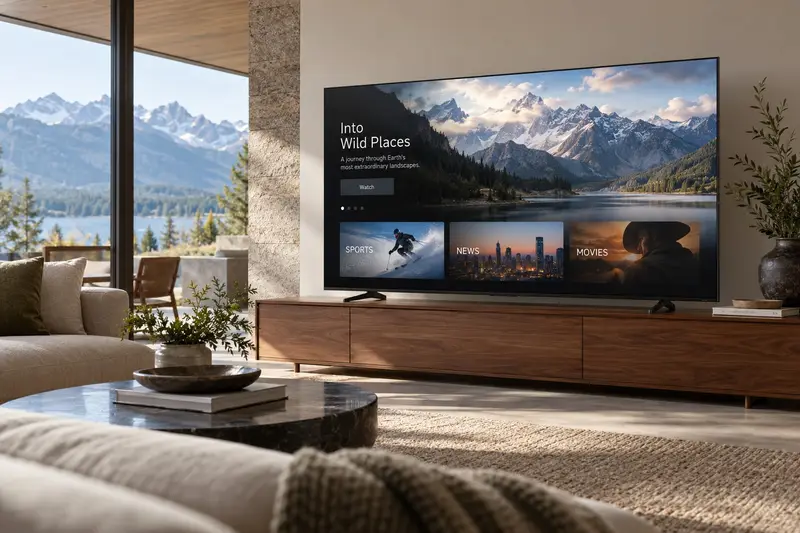
Samsung: press Home and open Apps. LG: open the LG Content Store.
Search for the player we recommend for your TV model and install it. Some players show a MAC address or device key on screen.
If the app shows a MAC address or device key, send a photo of the screen on WhatsApp and we activate it for you.
Close and reopen the app. Your channel list and TV guide appear.
Need a hand? Send us a photo of your screen on WhatsApp and we guide you step by step.
Plans
Every plan works on Samsung & LG Smart TV and all your other devices.
$14.99
Try it out
$34.99
$11.66/month · Save 22%
$54.99
$9.17/month · Save 39%
$79.99
$6.67/month · Best value: save 56%
One-time payment · No contract · No auto-renewal · Secure payment link sent on WhatsApp
Need 2+ screens for the whole family? Ask for a multi-screen price
Hisense, TCL and Sony TVs usually run Google TV or Android TV, so follow our Android guide. On Vizio and Roku TVs, the easiest option is to plug in a Firestick.
Usually not. Most modern Samsung and LG TVs work directly. Very old TVs may need a Firestick.
Order on WhatsApp in under a minute. Most orders are activated within 15 minutes.