What Internet Speed Do You Need for IPTV? HD vs 4K
Before you cut the cord, it's worth checking that your internet can handle live TV. The good news is that most homes in the USA and Canada already have more than enough speed.
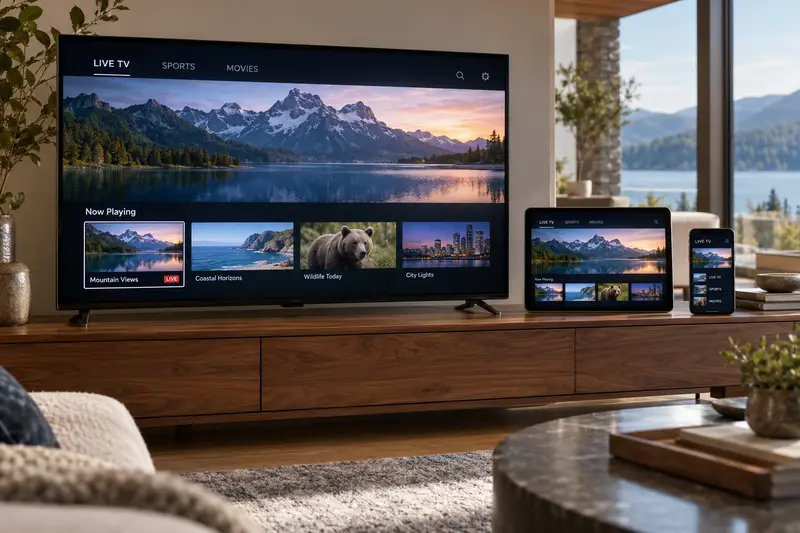
Recommended speeds for IPTV
- SD (standard definition): 5 Mbps
- HD / Full HD: 15 Mbps
- 4K Ultra HD: 25 Mbps or more
These are per stream. If two people watch on two TVs at once, add the numbers together. For a family with two 4K TVs and phones on Wi-Fi, a 100 Mbps plan gives comfortable headroom.
Download speed matters most
IPTV depends on download speed and on a steady connection. Upload speed barely matters for watching TV. Stability matters as much as raw speed: a steady 30 Mbps beats a 300 Mbps connection that drops every few minutes.
How to test your speed properly
- Run the test on the device you watch on. On Firestick, you can install a free speed test app from the Appstore.
- Test in the evening, when your neighbourhood is busiest.
- Run it three times and look at the lowest result.
Wi-Fi vs Ethernet
Wi-Fi loses speed through walls and floors. If your TV is far from the router, you might get only a fraction of your plan's speed. Your options, from best to good:
- Ethernet cable straight from the router: the most stable option.
- Mesh Wi-Fi, with a node near the TV.
- 5 GHz Wi-Fi instead of 2.4 GHz.
What about data caps?
Some US internet providers cap monthly data. HD streaming uses roughly 2 to 3 GB an hour, and 4K about 7 GB an hour. If you watch a lot of 4K, choose an unlimited data plan.
Ready to switch?
If your speed test shows 15 Mbps or more, you're ready for IPTV. See our plans, or read what IPTV is and how it works first.
Frequently asked questions
Is 10 Mbps enough for IPTV?
It is enough for one SD or low-bitrate HD stream, but 15 Mbps or more gives a smoother HD picture, especially for fast sports.
Can I use IPTV on mobile data or a hotspot?
Yes, with a strong 4G or 5G signal. Watch your data use: HD streaming uses about 2 to 3 GB an hour.