What Is IPTV? Beginner's Guide for USA & Canada (2026)
IPTV is one of the simplest ways to cut the cord, yet many people are still unsure how it works. This guide explains it in plain English, with no tech jargon.
IPTV in one sentence
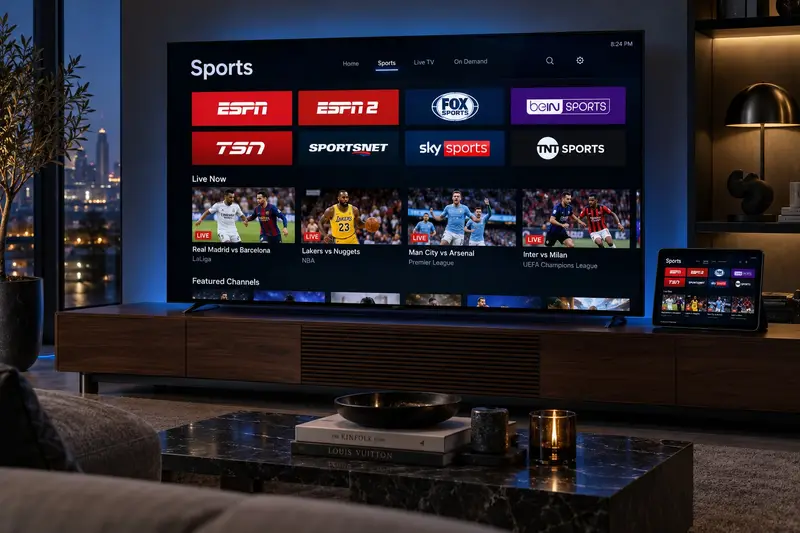
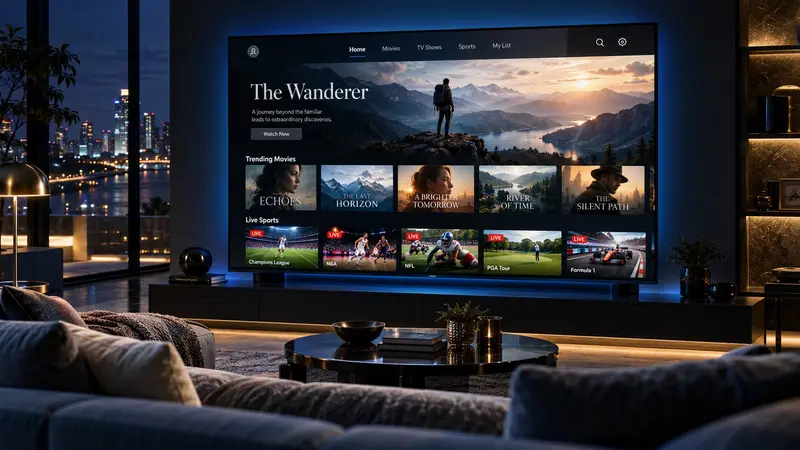
IPTV (Internet Protocol Television) delivers live TV channels and on-demand movies over your internet connection, instead of through a coax cable, antenna or satellite dish.
How does IPTV work?
TV channels are encoded into video streams and sent from servers to your device over the internet. An IPTV player app on your TV or streaming stick receives the streams and shows them with a channel list and a TV guide, just like a cable box.
What do you need?
- Internet: 15 Mbps or more for HD (see our speed guide).
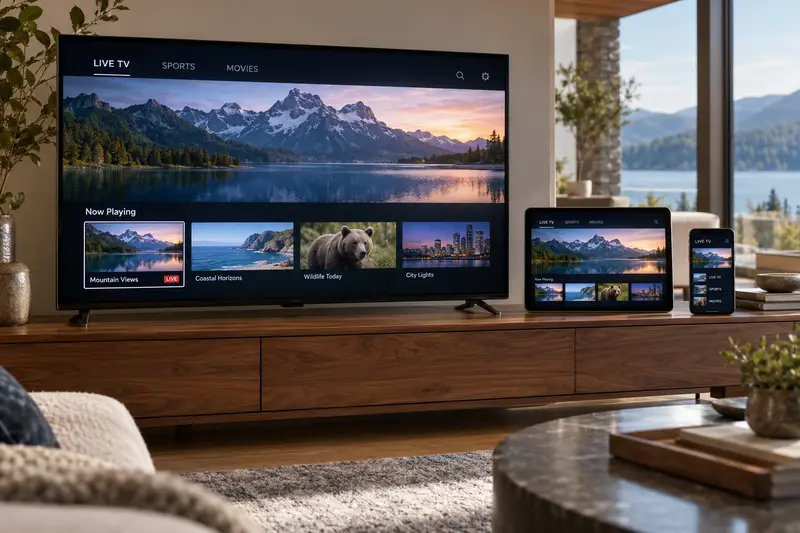
- A device: Firestick, Smart TV, Google TV, Apple TV, phone, tablet or computer.
- A subscription: your login details for the channels and library.
- A player app: we recommend the best one for your device.
Live TV, catch-up and video on demand
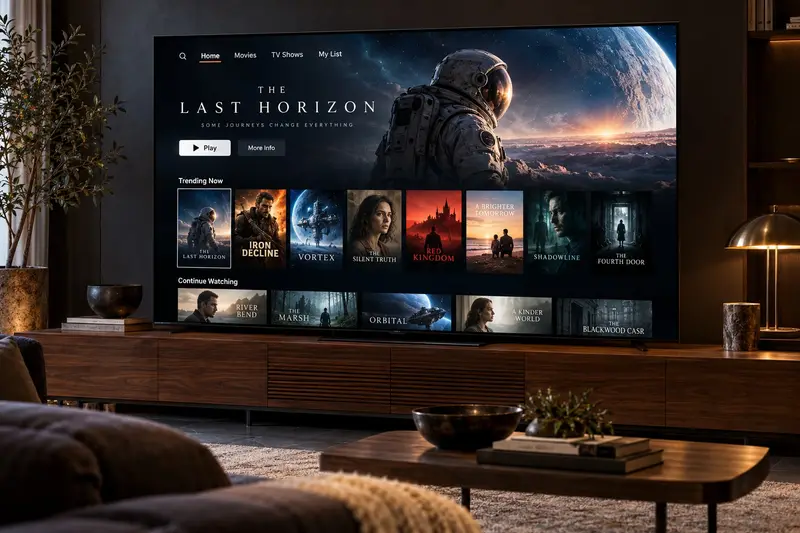
Most IPTV services offer three things. Live TV works like normal channels. Catch-up lets you go back and watch shows that already aired. Video on demand (VOD) is a library of movies and series you can start whenever you like.
Is IPTV hard to set up?
Not at all. On most devices, you install an app, type in your login and start watching. It takes about 10 minutes. Follow our step-by-step setup guides for each device.
How much does IPTV cost?
Prices vary between providers. Maxtivis plans start at $6.67 a month on the yearly plan, with a one-time payment and no contract. See all IPTV prices.
How to get started
Pick a plan, message us on WhatsApp with your device, and we send you a secure payment link (card, PayPal or crypto). Your login and setup steps usually arrive within minutes.
Frequently asked questions
Is IPTV the same as streaming apps?
They are similar: both use the internet. Streaming apps mostly offer on-demand shows, while IPTV focuses on live TV channels with a TV guide, plus an on-demand library.
Do I need a special box for IPTV?
No. Most people use a device they already own, such as a Firestick or Smart TV. A special box is optional.